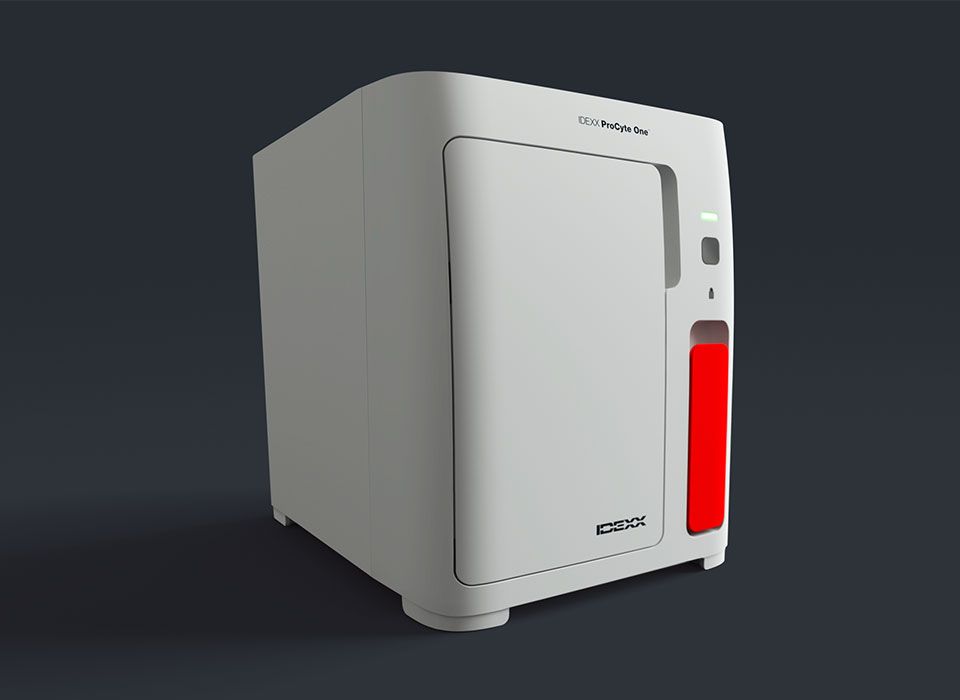
ProCyte One Haematology Analyser
Resources and manuals
ProCyte One Haematology Analyser resource directory.
Guides and education.
How to prepare samples for your ProCyte One analyser.
Blood collection and sample preparation steps.

Step 1.
Use either an EDTA-treated tube or microtube.

Step 2.
Use a syringe or vacuum collection system.

Step 3.
Draw the sample and transfer, if necessary.

Step 4.
Gently invert the tube to mix.
How to run samples on your ProCyte One analyser.
- Identify the patient and initiate the sample on the IDEXX VetLab Station.
- Invert the sample tube 10 times to mix and immediately place it in the sample drawer.
- Close the drawer and press the Start button on the front of the analyser.
Understanding your ProCyte One analyser complete blood count (CBC) results.
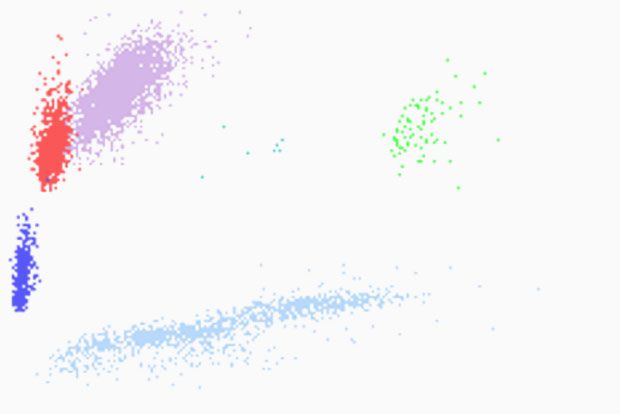
Dot plots.
Dot plots are a visual representation of the complete blood count and can be used to identify abnormalities within patient samples. Each dot represents an individual cell in this critical component of a complete blood count. Viewed together, they provide a snapshot of cellular morphology.
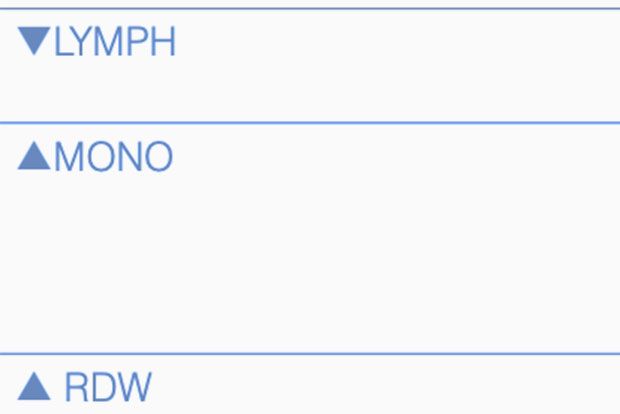
Interpretive aids.
Interpretive aids are messages used to provide more insight into CBC results by detecting results-based patterns. Interpretive aids are displayed as messages on the IDEXX VetLab integrated patient report.
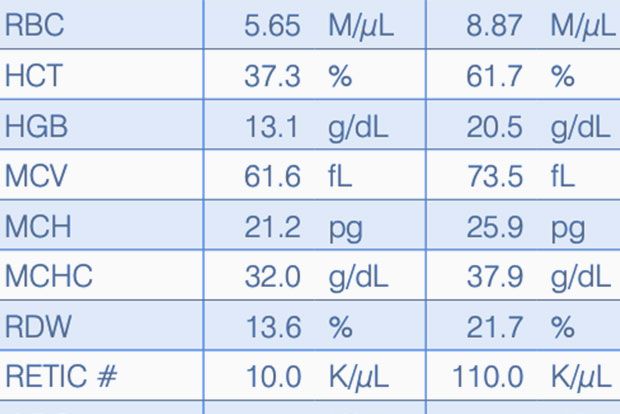
Reference intervals.
Species-specific reference intervals are displayed graphically on the IDEXX VetLab Station and in VetConnect PLUS.
Frequently asked questions for the ProCyte One analyser.
The ProCyte One analyser is virtually maintenance-free. There are just a couple of maintenance procedures that are required on an as-needed basis (frequency will vary based on analyser use):
- Change the reagent and sheath packs when prompted by the IDEXX VetLab Station.
- Change the filter.
- Perform a bleach clean of the analyser every 90 days.
For detailed instructions:
Reagent packs, sheath packs, ProCyte One SmartQC Control and testing accessories for the ProCyte One analyser are available at IDEXX Online Orders. Simply sign in to your account to order, or create an account today.
It takes less than 5 minutes to get results from a run on the ProCyte One analyser.
You will be prompted to replace the filter on the ProCyte One analyser approximately twice a year (this varies based on analyser use). An alert will appear on the IDEXX VetLab Station touch screen when the filter needs to be changed. It is important that you only change the filter when prompted or by accessing the procedure found on the ProCyte One Diagnostics screen on the IDEXX VetLab Station.
- Open the analyser door.
- Remove the filter panel.
- Lift up the green latch so that it’s perpendicular to the analyser.
- Pull the filter to remove it from the analyser.
- Load a new filter into the analyser, ensuring the arrow on the filter is pointing up and is aligned with the light grey chamber above it.
- Lower the green latch so that it’s parallel to the analyser.
- Replace the filter panel.
- Close the analyser door.
Training courses.
Take complimentary courses on ProCyte One analyser operation. Get video tutorials on daily protocols and procedures.
Find a course